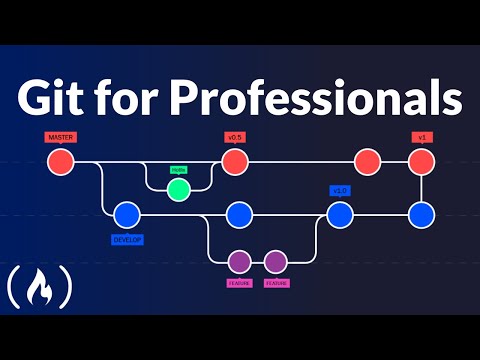
Git has the power to make you a better software developer. But you'll have to go beyond the basic "commit, push, pull" to use it effectively! In this course, we'll look at some of the more advanced concepts and tools to make you more productive and confident with Git.
This course focuses on using Git with the command line.
✏️ This course was created by Tobias Günther from Tower. You can download Tower's Git desktop UI here: https://www.git-tower.com
⭐️ Course Contents ⭐️
⌨️ (00:00) Introduction
⌨️ (00:52) Hosted by Tower
⌨️ (01:27) The perfect commit
⌨️ (08:07) Branching strategies
⌨️ (17:16) Pull requests
⌨️ (24:07) Merge conflicts
⌨️ (33:48) Merge vs. rebase
⌨️ (40:05) The Advanced Git Kit: https://www.git-tower.com/learn/git/advanced-git-kit/
🎉 Thanks to our Champion and Sponsor supporters:
👾 Wong Voon jinq
👾 hexploitation
👾 Katia Moran
👾 BlckPhantom
👾 Nick Raker
👾 Otis Morgan
👾 DeezMaster
👾 AppWrite
--
Learn to code for free and get a developer job: https://www.freecodecamp.org
Read hundreds of articles on programming: https://freecodecamp.org/news
And subscribe for new videos on technology every day: https://youtube.com/subscription_center?add_user=freecodecamp


0 Comments